In a professional environment, diverting the calls is essential for the daily business. Either during absence or mobile work. |
General informationFor the devices, ringing groups and VoIP connections, following types of diverts are available:
The available target options are:
For the internal options, only the real available options are presented.
If multiple diverts are active in parallel, following prioritization takes place:
|
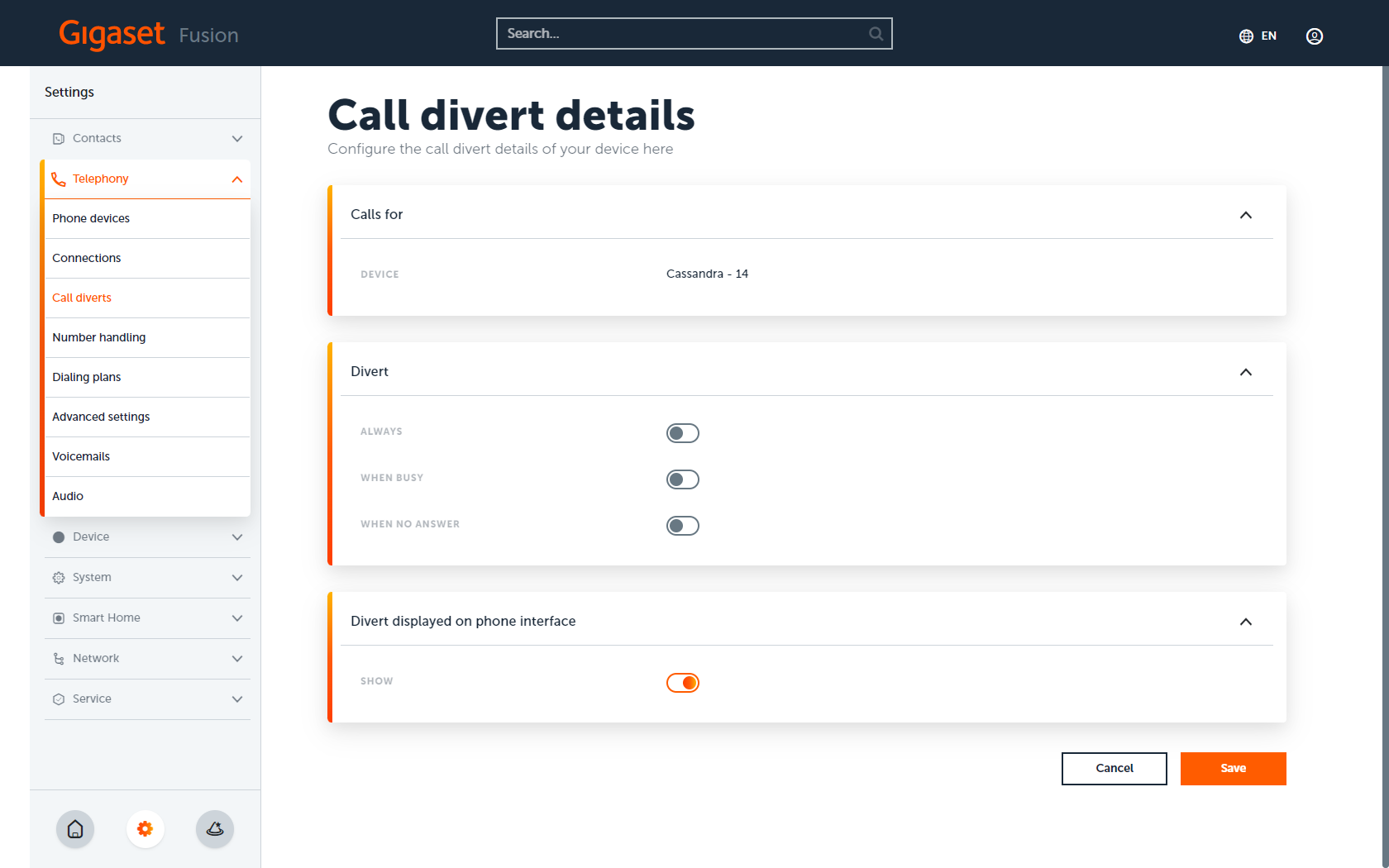
Visibility of call divertsIn order not to flood the Phone interface of the Fusion, the displayed call diverts are limited. The administrator can select which call divert should be shown in the Phone display of the Fusion. These can be found in the Menu → Settings → Telephony → Call divert
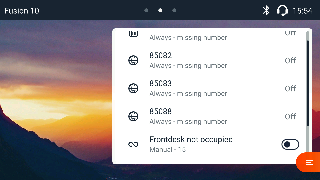
or via the Call divert widget
The selection needs to be done in the Web interface of the Fusion, in the call divert details:
|

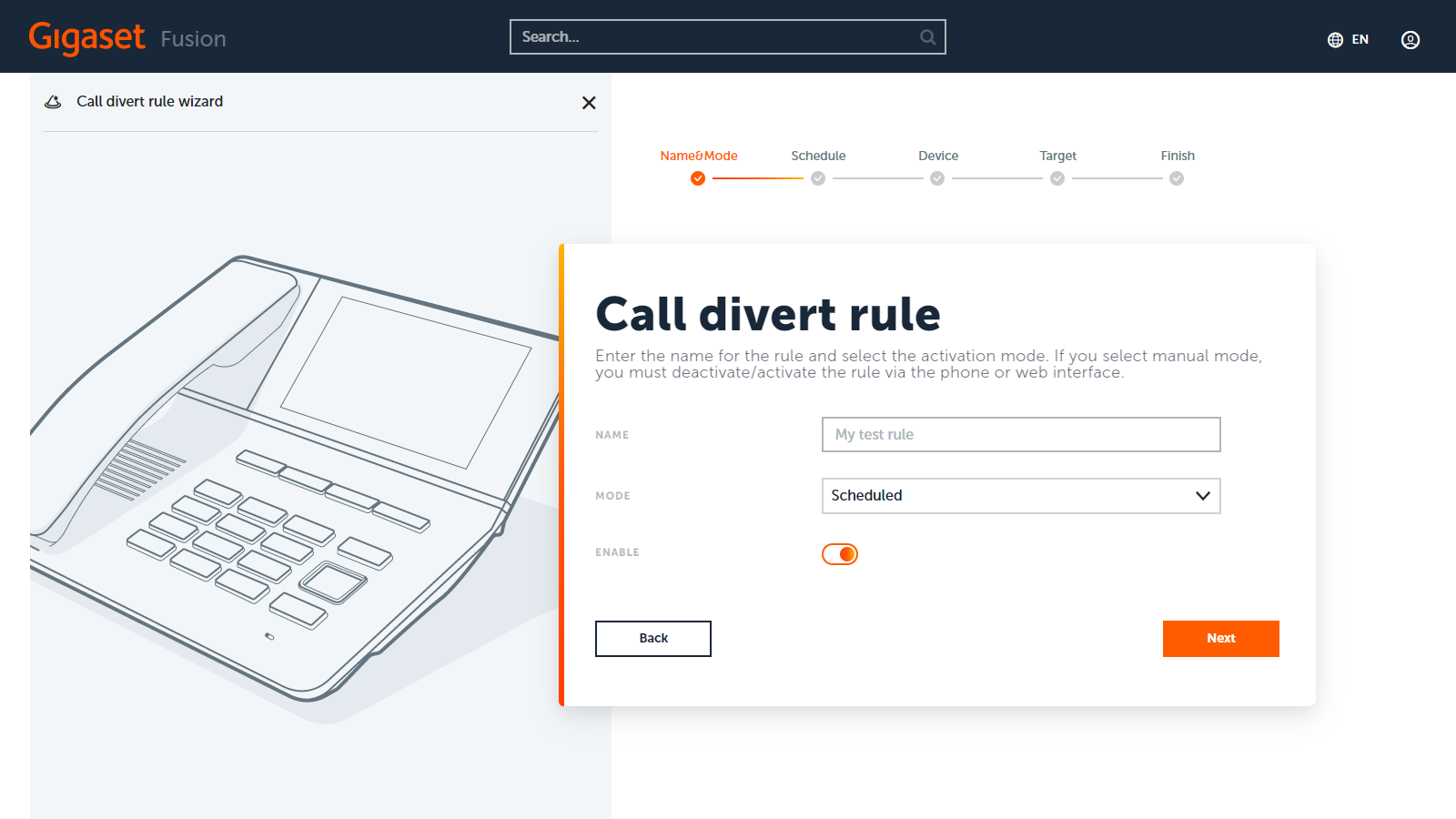
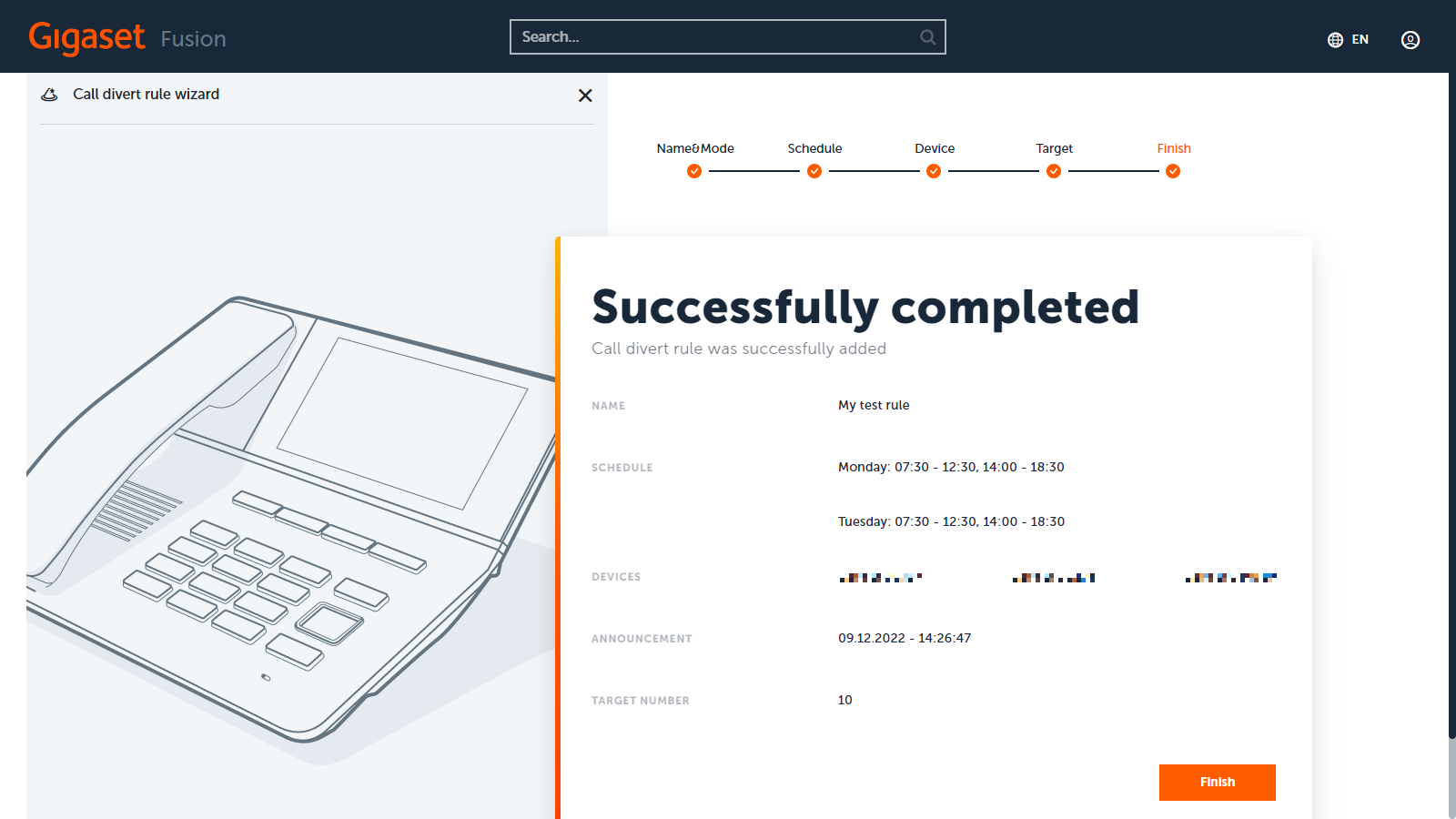
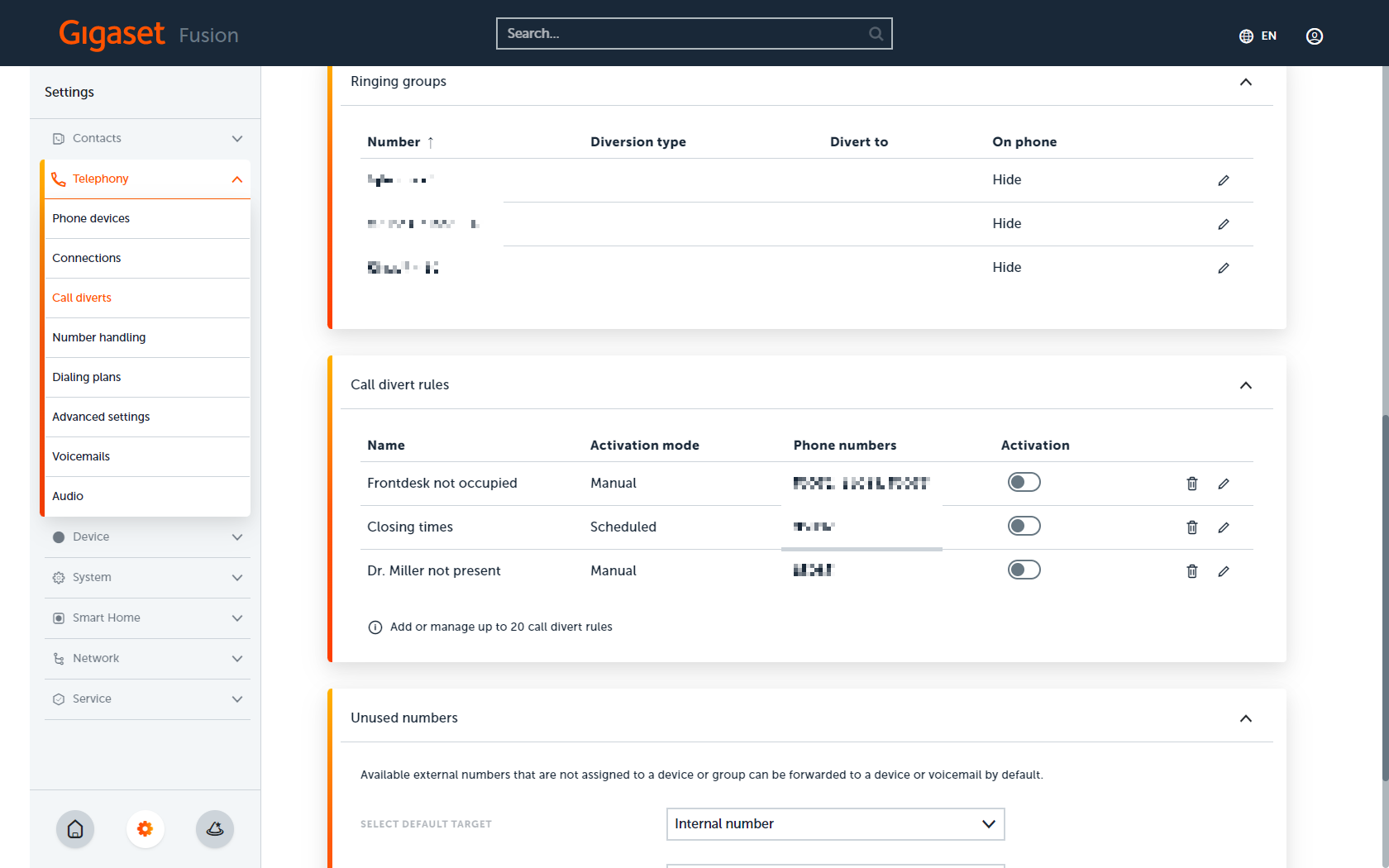
Call divert rulesIt is possible to add up to 20 call divert rules to the Fusion. All call divert rules are visible by default in the Call divert widget in the Phone and Web interface. This is also the most intuitive way to control your call diverts with the Fusion. Add new call divert ruleFor adding a new DECT handset, the admin can start the wizard via the Web-interface in Settings → Telephony → Voicemails → Add rule What is editable during the wizard?
Name, mode, activation:
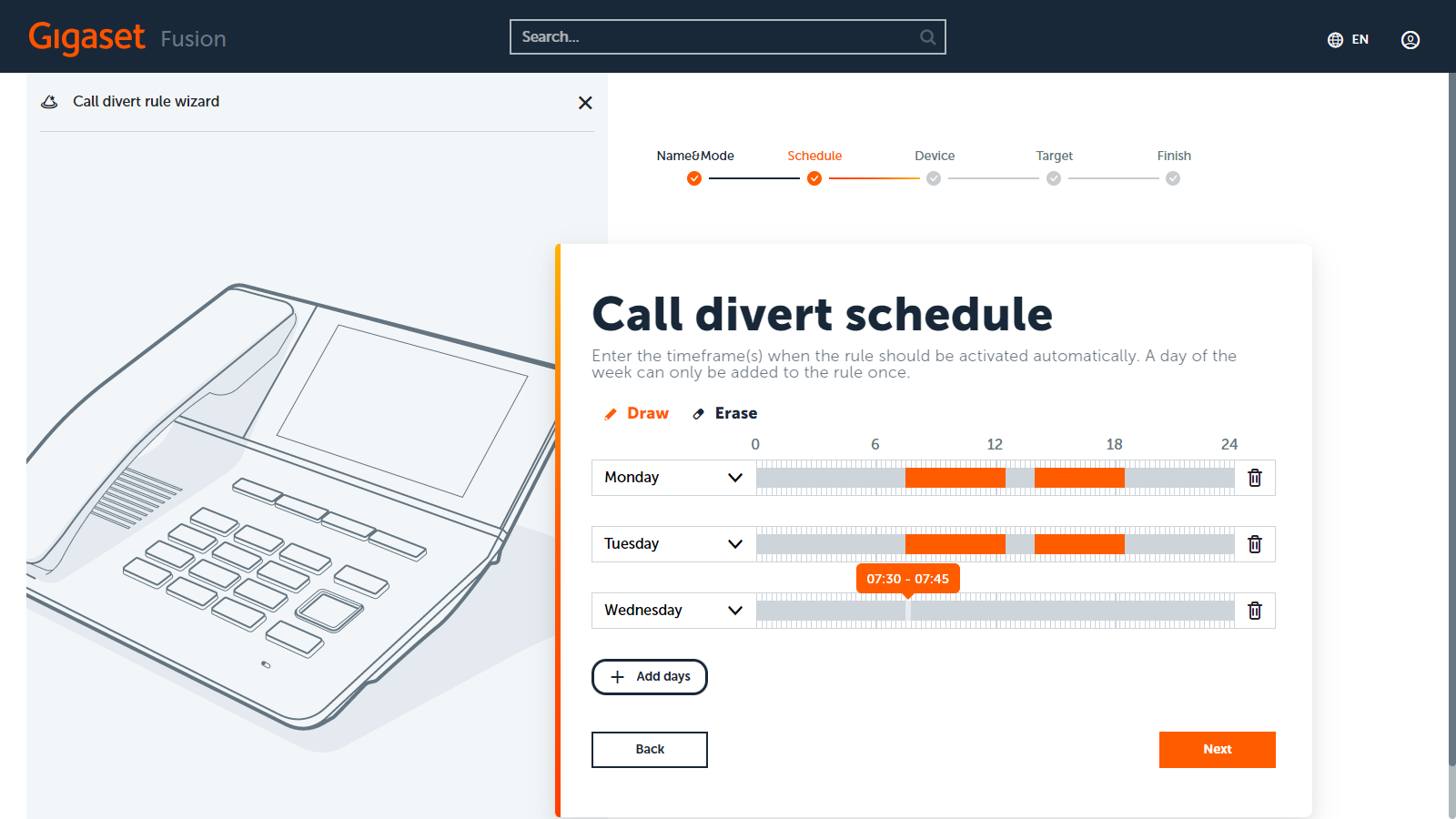
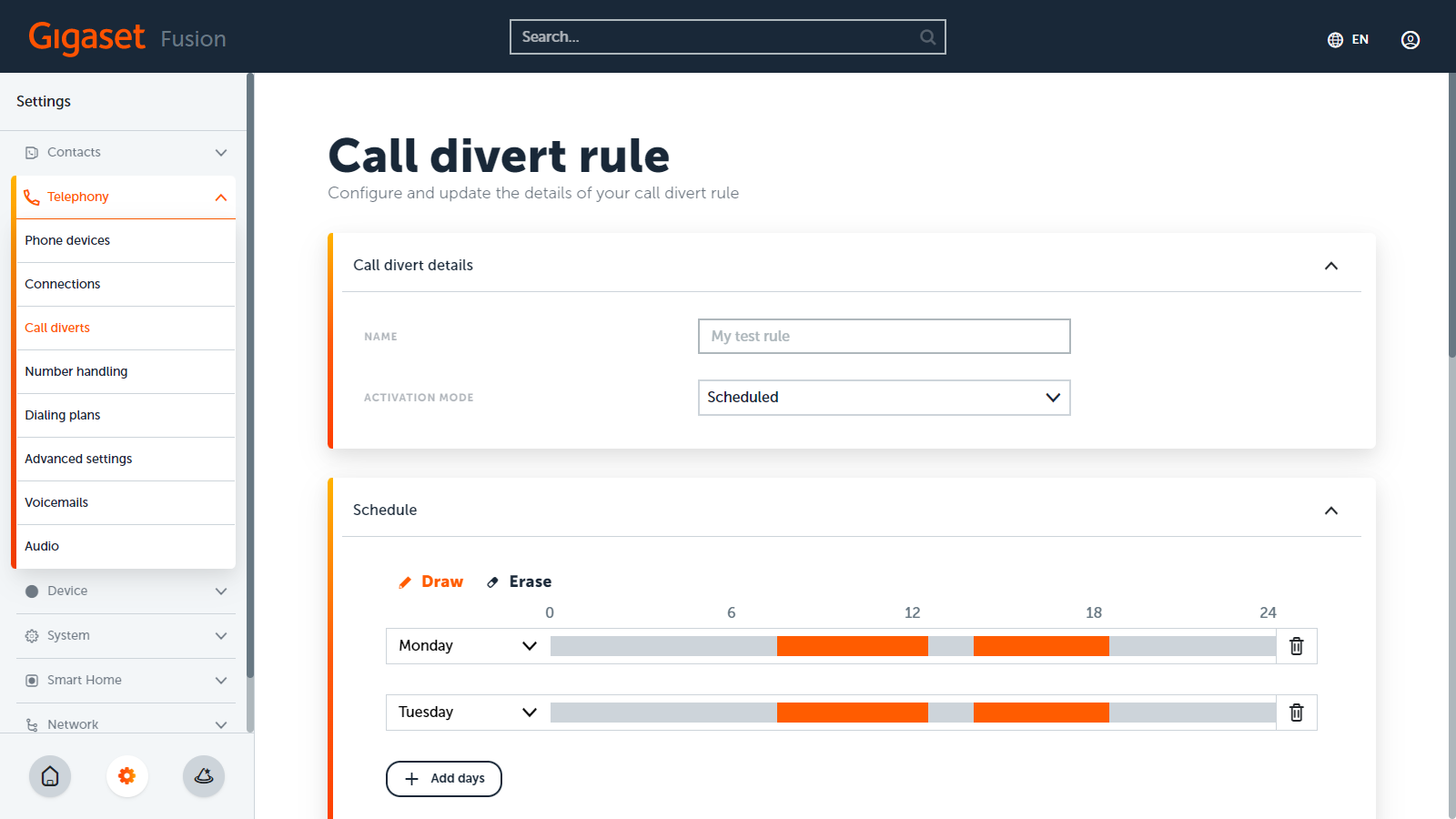
Scheduler (only shown when "Scheduled" is selected):
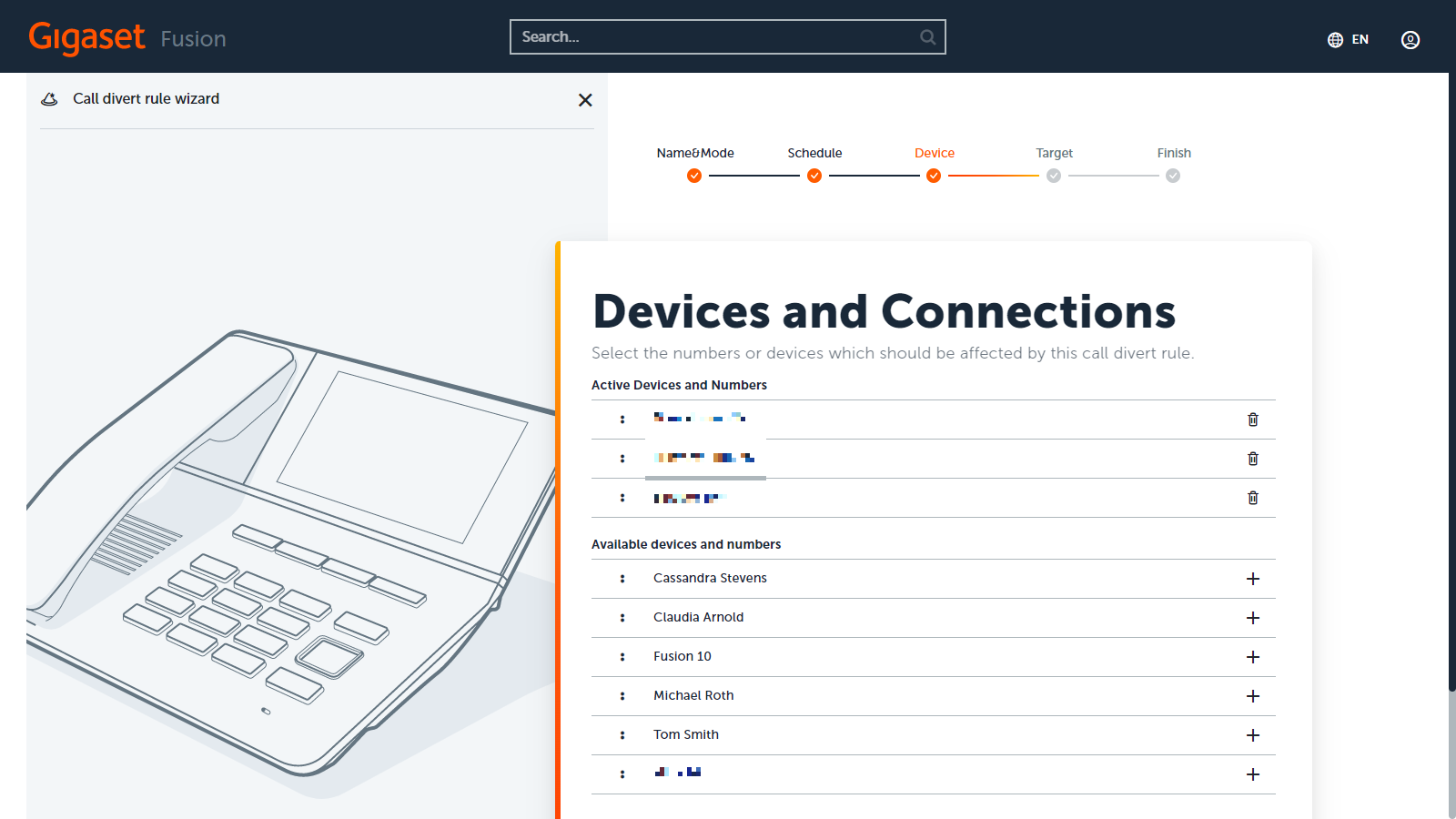
Devices and Connections:
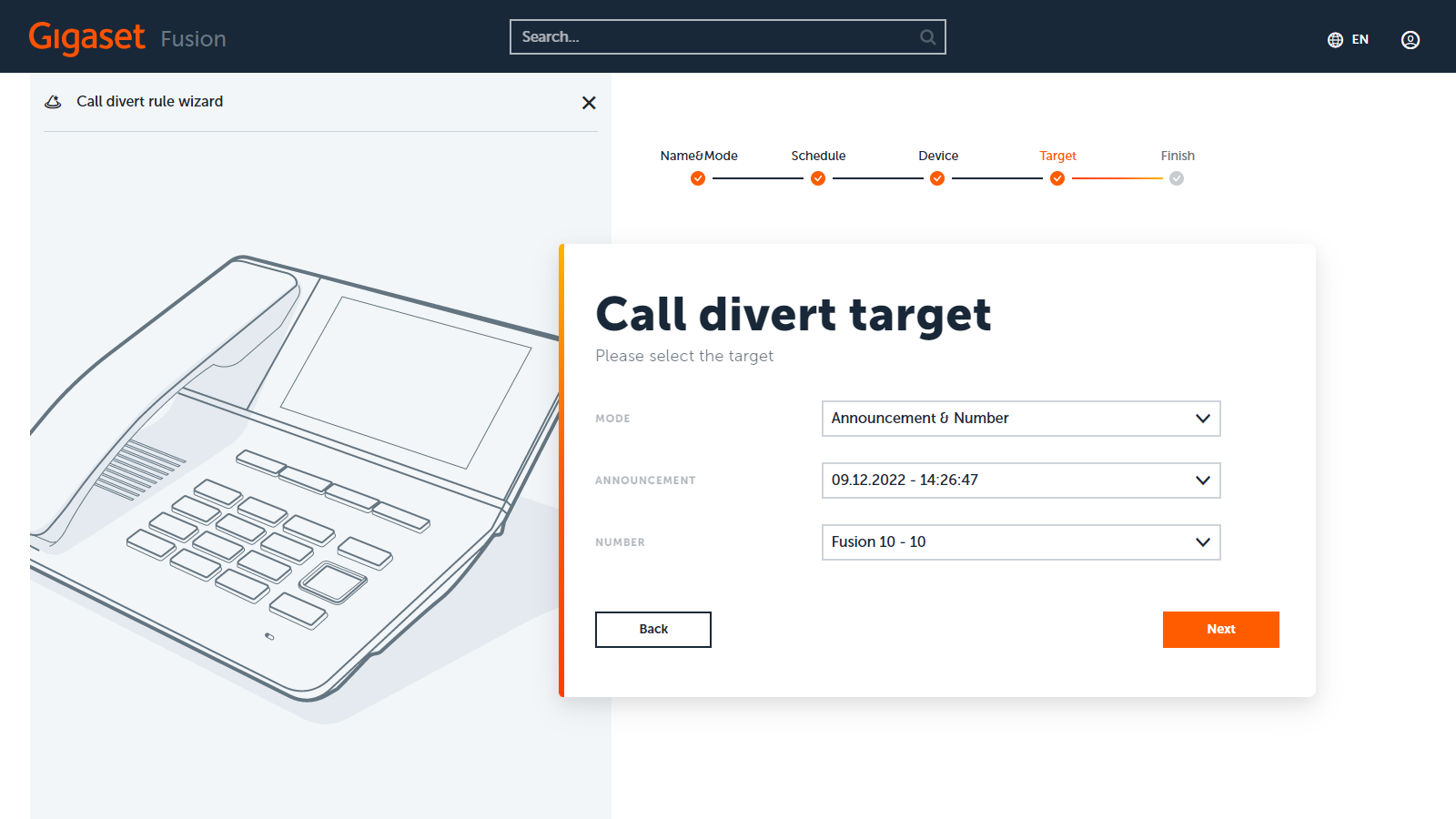
Target:
Summary;
Overview In the overview all important infos are presented. The name, mode, affected phone numbers and activation state are presented here. The activation state is synchronized with the widgets.
Edit call divert ruleAll necessary settings can be edited later on in the Web interface call divert rule details.
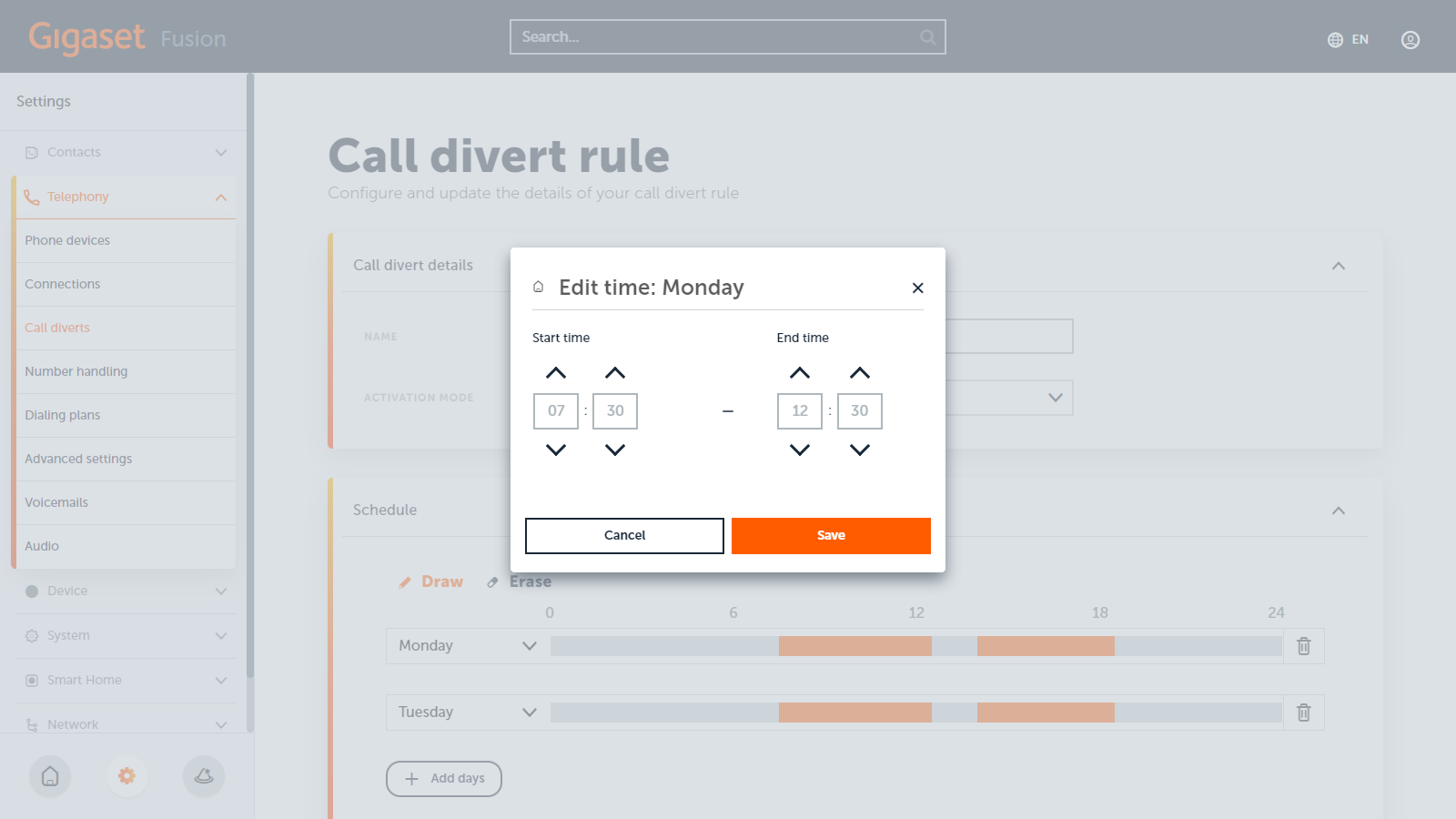
Name Name of the Call divert rule. Shown in the Phone and Web interface widgets. Activation mode The call divert rule can automatically be activated via the configured schedule or manually via the widget. You can also deactivate the scheduled rules, in case there are exceptions from the schedule when the divert should not be active. Schedule If scheduled were selected, the automatic activation can be configured by adding days to the schedule and drawing the timeslots where the calls should be diverted to the target. By clicking into the orange marked sections, a popup for detailled definition is shown:
It is possible to erase sections of a timeslot by selection "Erase" and drawing over the marked areas. In addition the whole day can be deleted by clicking on the trashcan-icon on the right side.
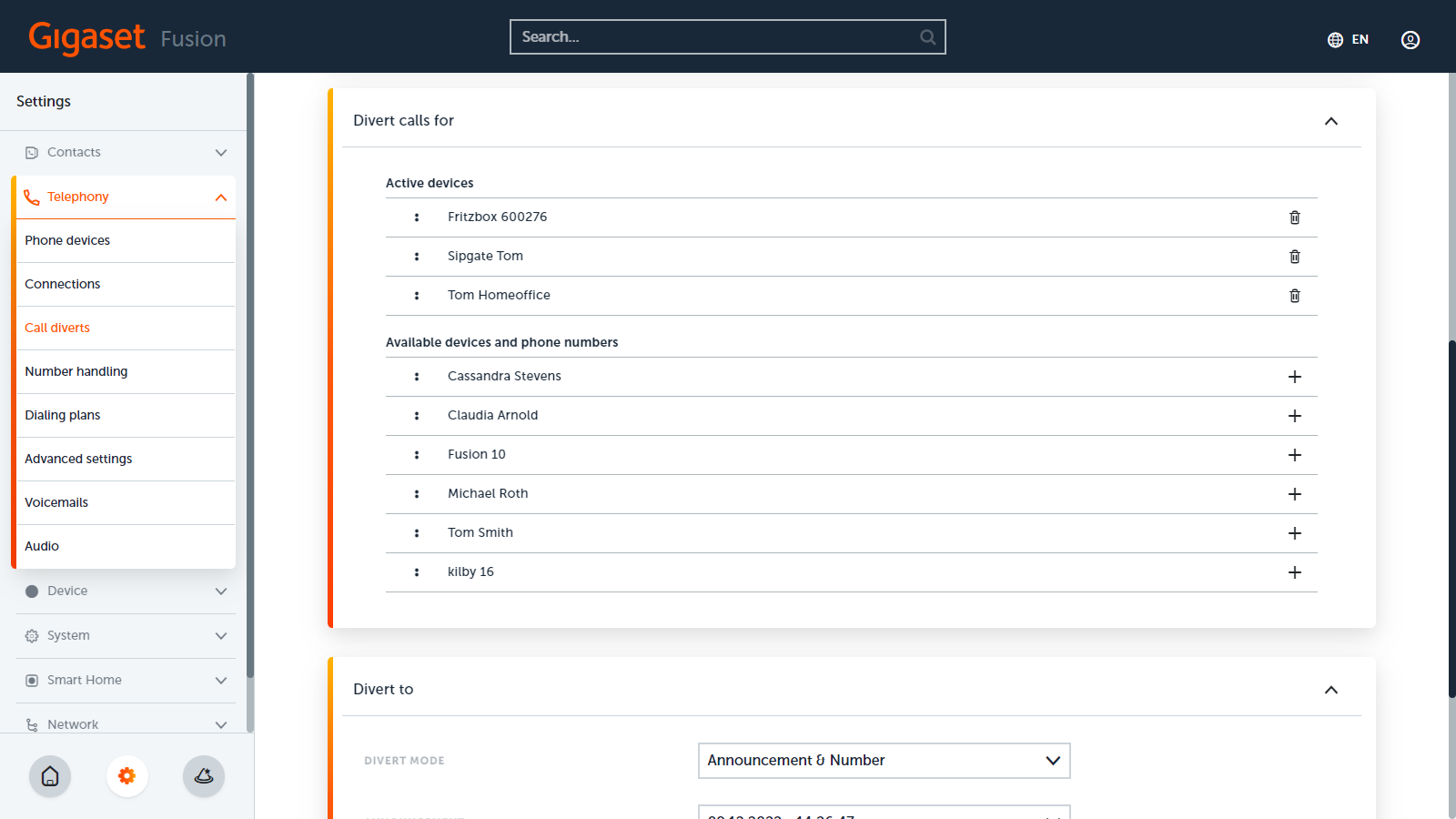
Devices and connections The affected connections and devices can be added and removed by the icons on the right side or via drag'n'drop.
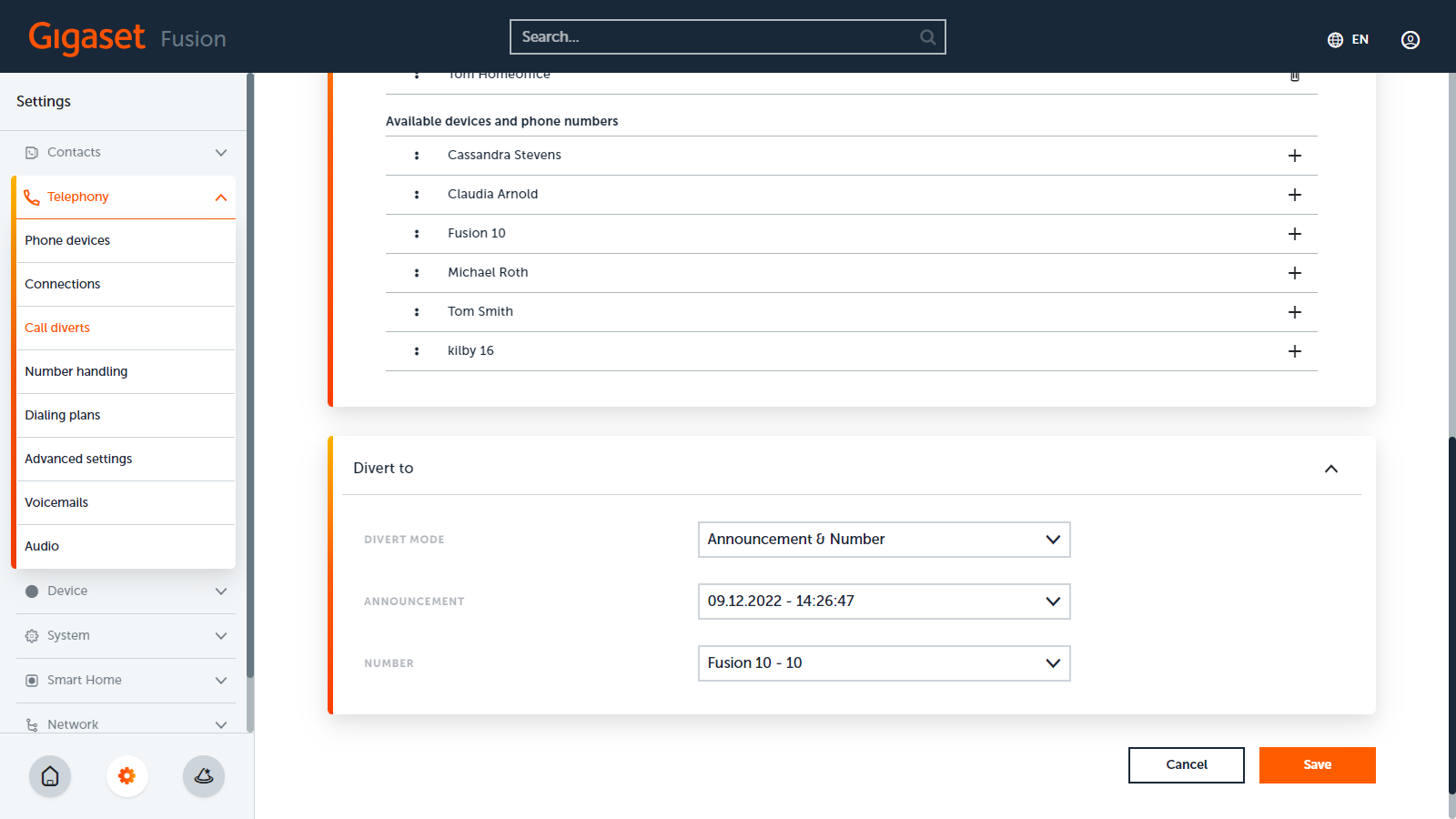
Divert to There are 3 options available: Number, Announcement, Announcement&Number. When Number is one of the options, the dropdown list contains all internal devices, groups, IVRs and voicemailboxes for an easy selection. To enter an external phonenumber, please select "External Number" from the top of the list. |